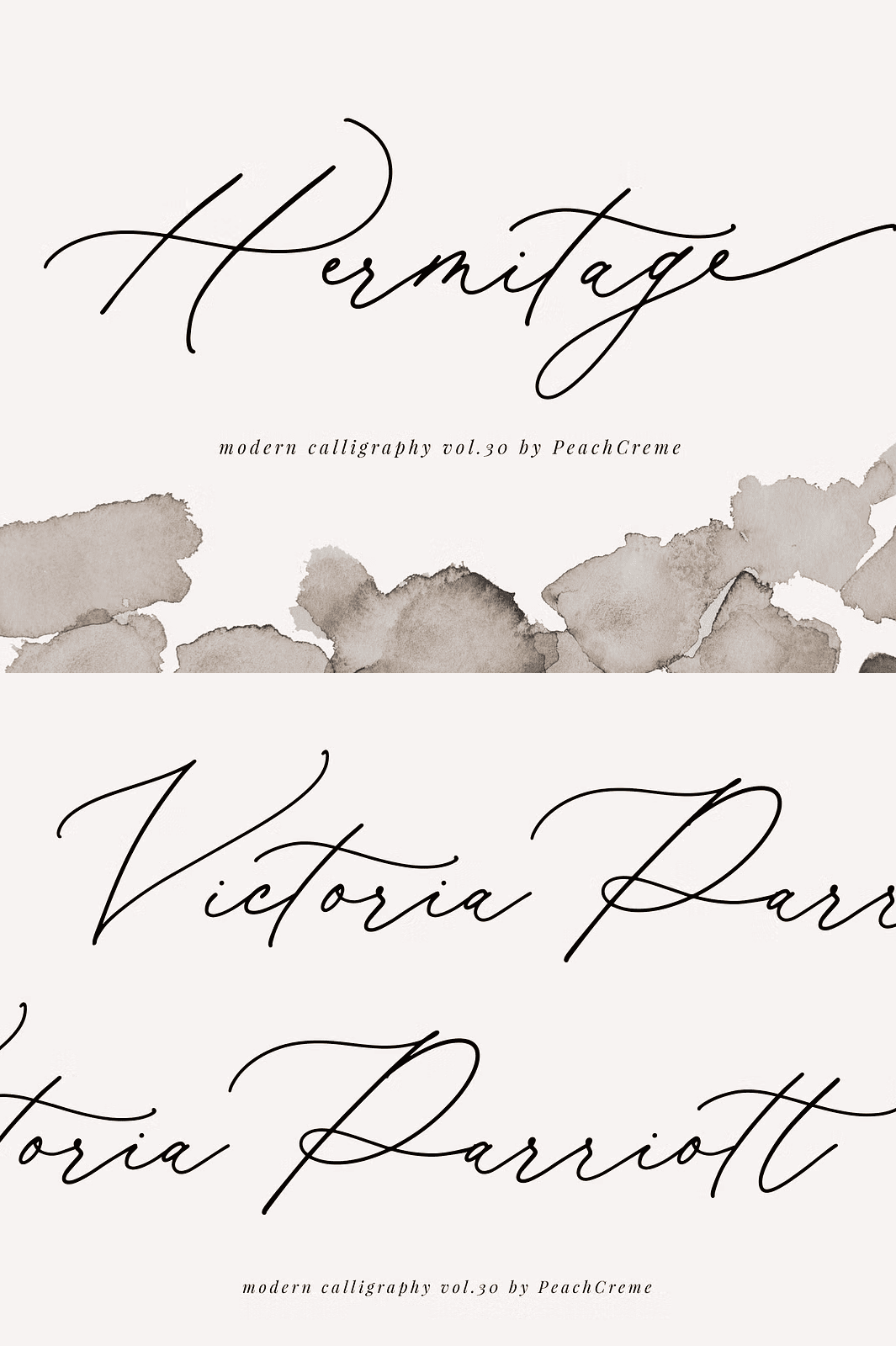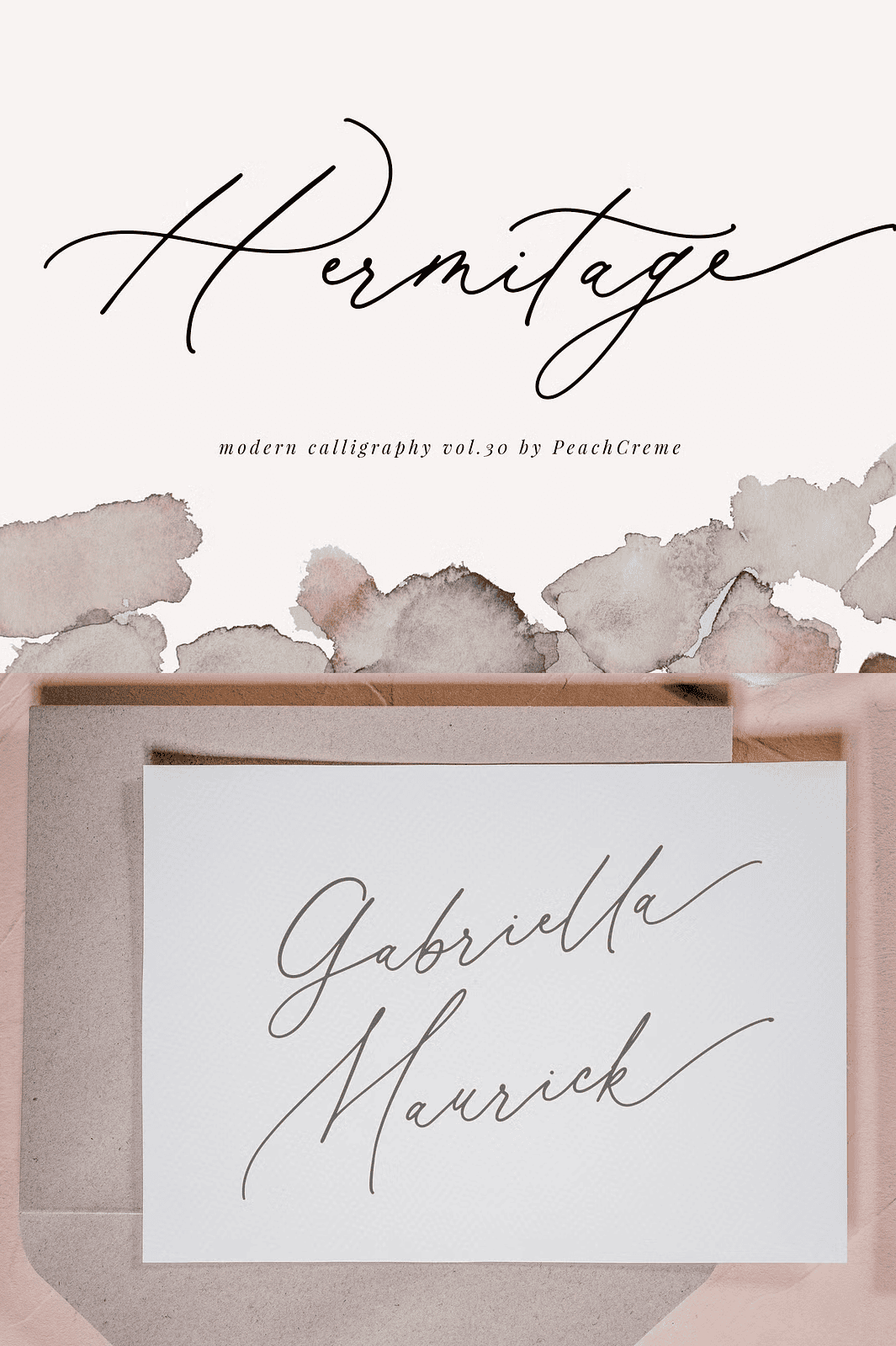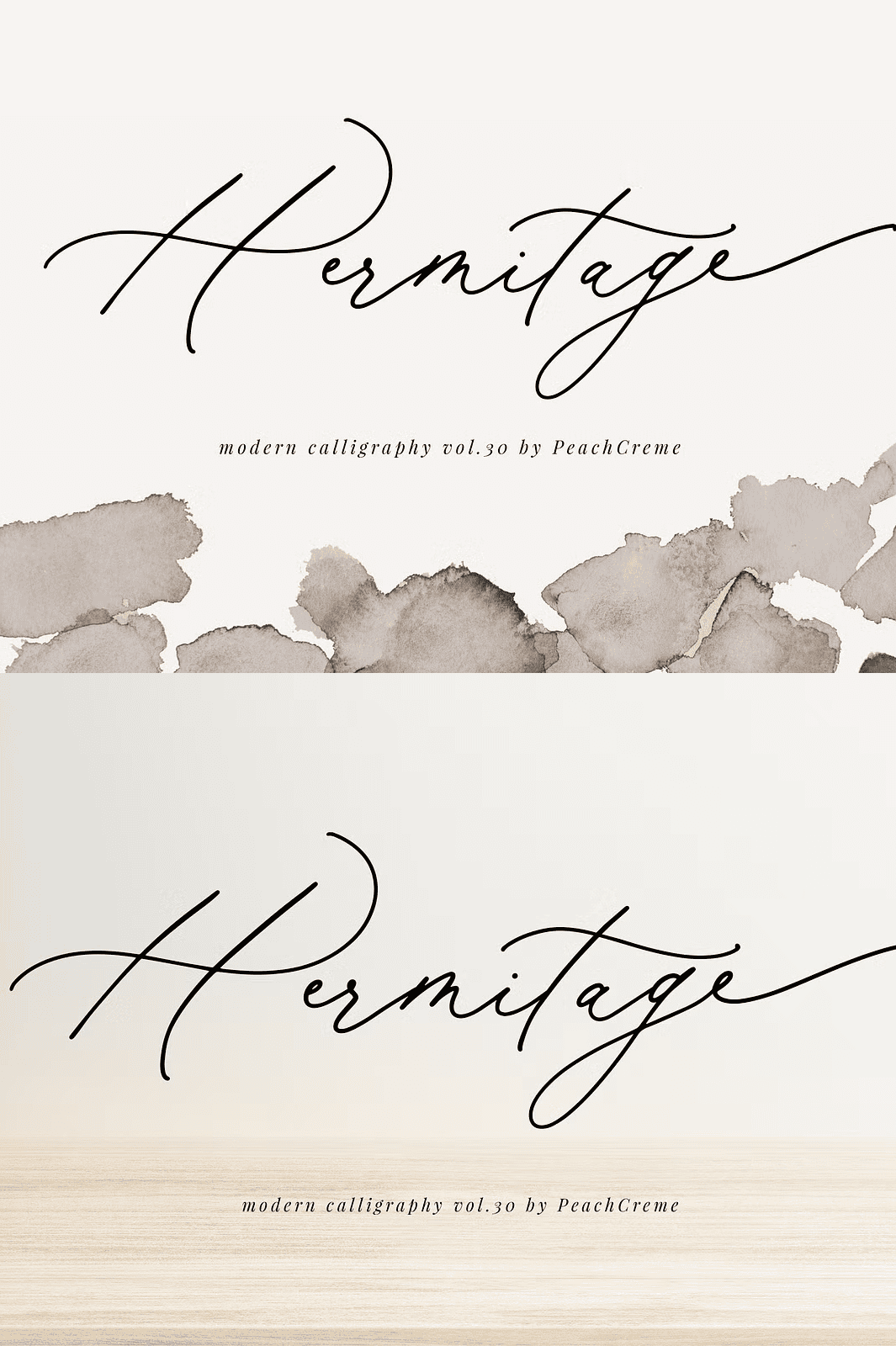

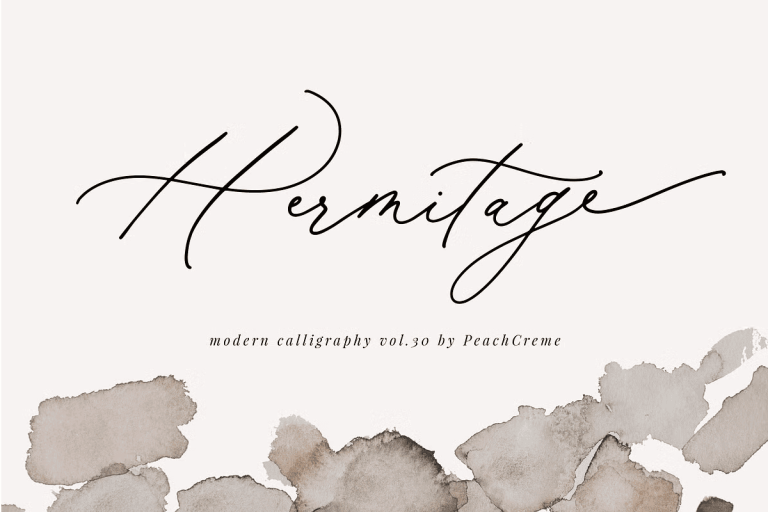
Introducing Hermitage—Where Sophistication Meets Seamless Craftsmanship
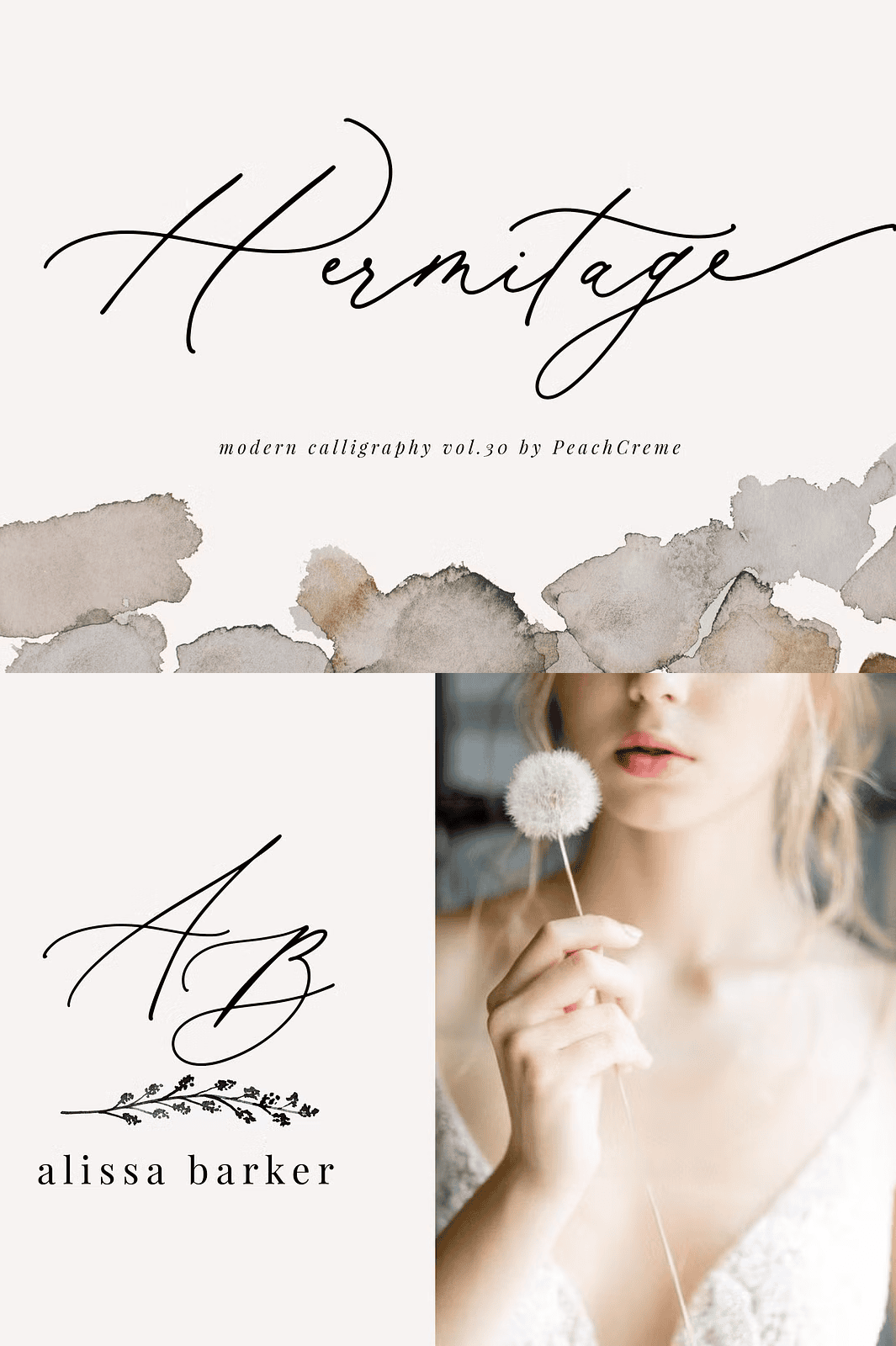
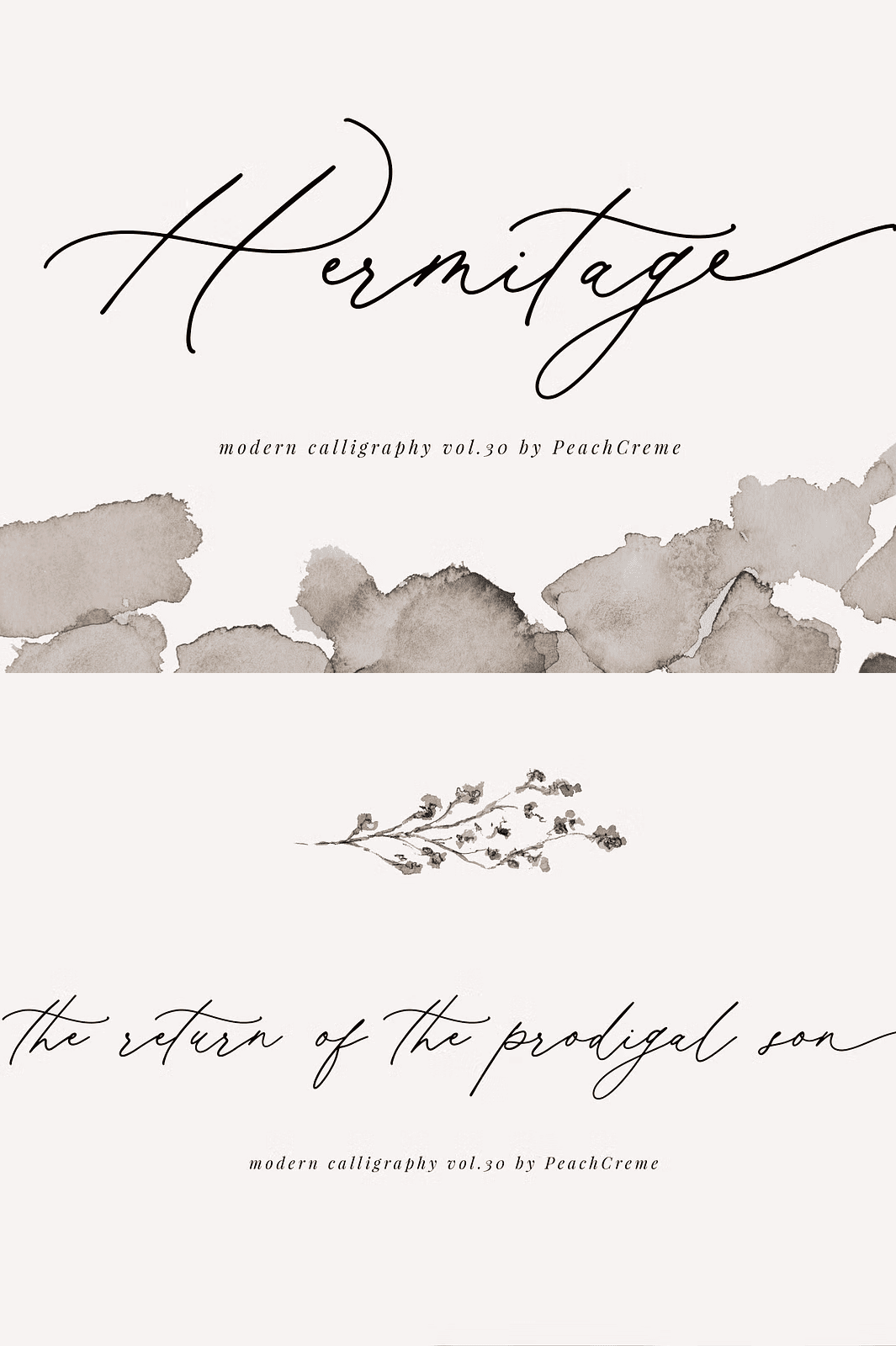
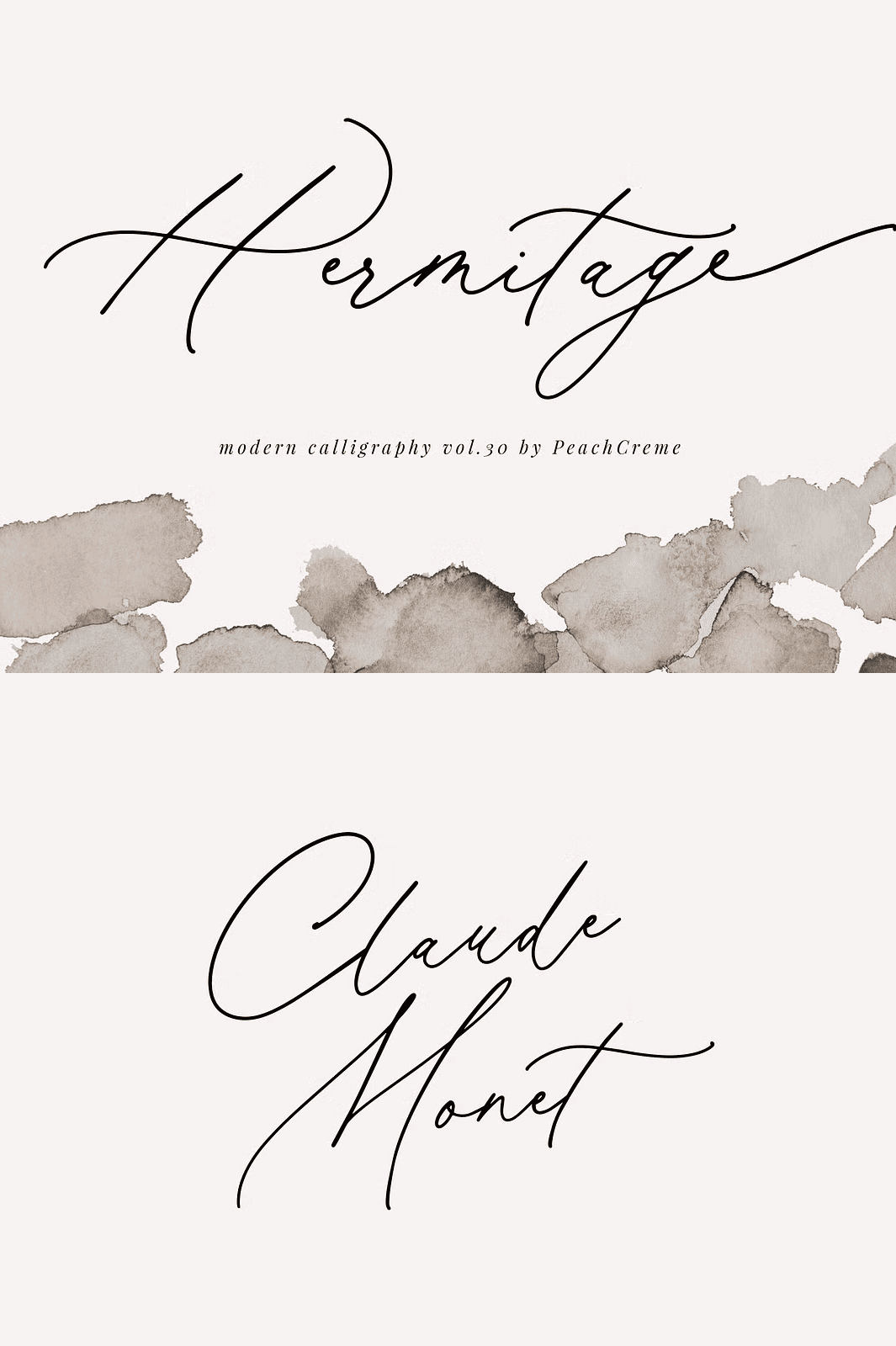
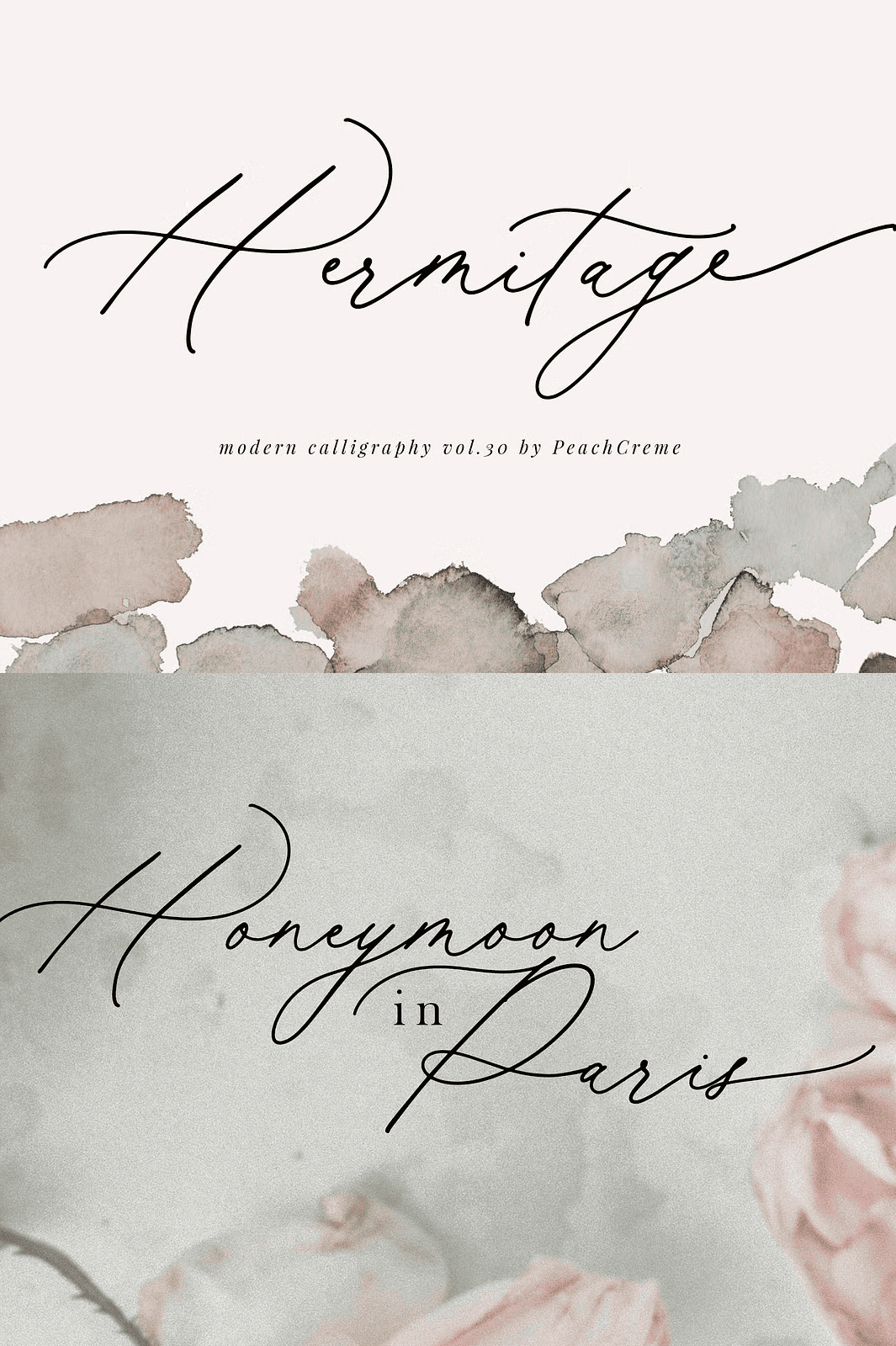
Step into the world of refined visual storytelling with **Hermitage**, a chic modern calligraphy font that redefines elegance in typography. Designed for creators who value precision, grace, and expressive detail, Hermitage delivers a seamless blend of fluid motion and structural harmony. With a full set of uppercase and lowercase letters, extensive multilingual symbols, numerals, punctuation, and beautifully crafted lowercase swashes, this font is engineered to inspire creativity across every project.
Whether you’re crafting luxury branding, high-end packaging, wedding invitations, or editorial designs, Hermitage adds a touch of quiet luxury that speaks volumes.
Smooth Texture, Bold Confidence—Built for Every Technique
Hermitage features a **smooth, tactile texture** that performs flawlessly across diverse printing and production methods. This isn’t just a digital font—it’s a versatile design tool ready for real-world application. Use it confidently for:
– High-quality print projects
– Hand embroidery with precise digitization
– Laser cutting and die-stamping
– Gold leaf and foil stamping for premium finishes
The clean, consistent stroke width ensures sharp, professional results, no matter the medium.
Complete Style Kit: OTF, TTF, and WOFF for Maximum Compatibility
Unlock the full potential of Hermitage with four essential file formats:
– ✅ **OTF (OpenType Font)** – Ideal for professional design workflows
– ✅ **TTF (TrueType Font)** – Reliable across all operating systems
– ✅ **WOFF (Web Open Font Format)** – Ensures crisp rendering on digital displays
Install Hermitage on any system and use it instantly in your favorite software—no compromises.
Activate the Swashes: Use OpenType Features with Confidence
To access the full range of dynamic swashes, ligatures, and alternate glyphs, your software must support **OpenType features**. Hermitage shines when used with:
– Adobe Illustrator CS
– Adobe Photoshop CC
– Adobe InDesign
– CorelDRAW
**How to access glyphs:**
– In **Photoshop**: Open **Window > Glyphs**, select Hermitage, then double-click any glyph to insert it.
– In **Illustrator**: Go to **Window > Type > Glyphs** to browse and apply swash alternatives.
This level of control lets you tailor every word to match your creative vision—no two designs will look exactly alike.
Why Designers Choose Hermitage for Premium Projects
– Exquisite Aesthetic: Delicate yet bold, modern yet timeless.
– Rich Character Set: Full coverage of multilingual support and punctuation.
– Technical Perfection: Smooth curves and consistent stroke balance.
– Professional-Grade Output: Optimized for printing, digitization, and digital use.
Download Hermitage Today and Transform Your Creative Vision